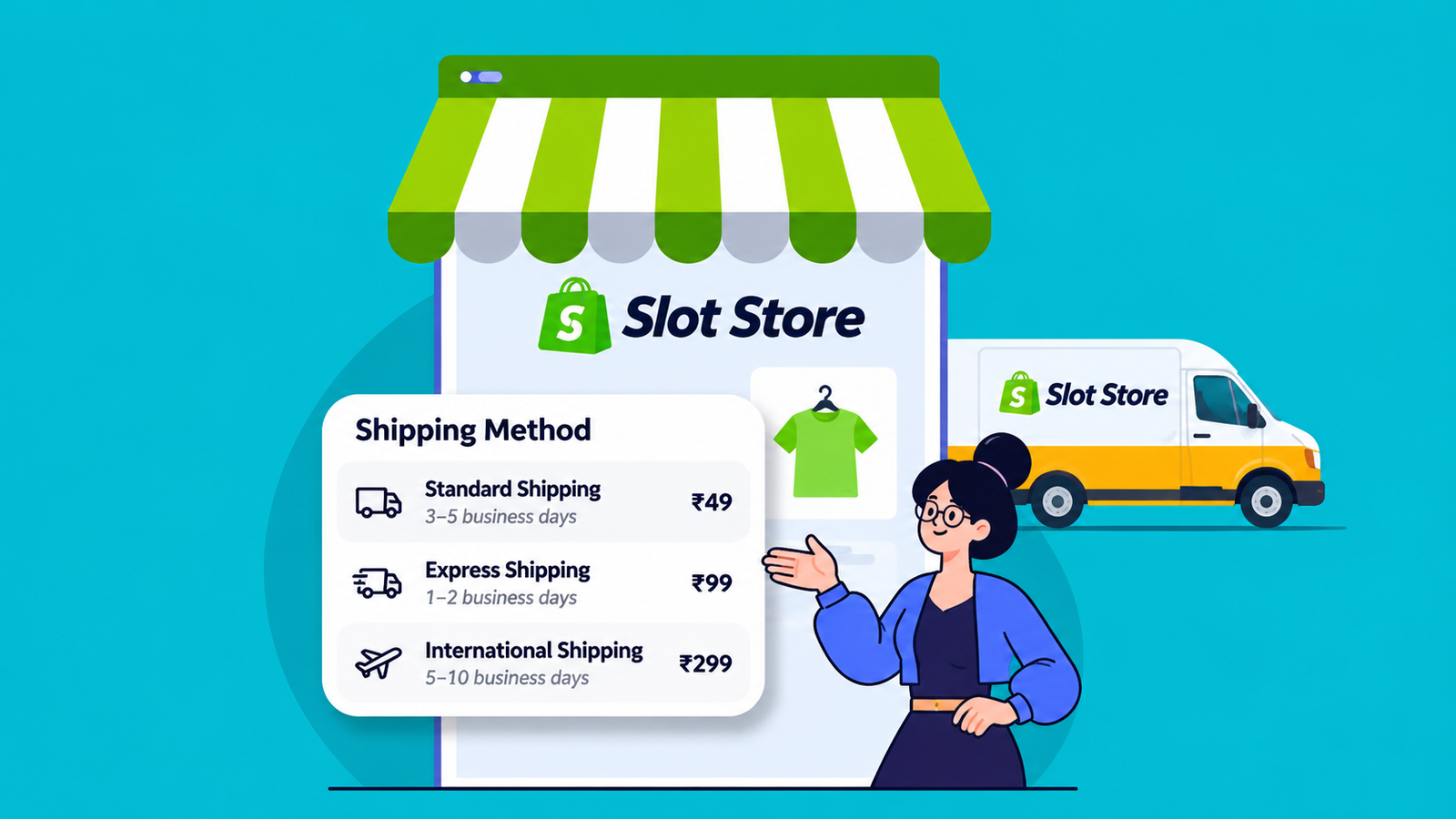
A customer finds a product they like, checks the price and considers buying it. But one important question remains: When will it arrive?
If delivery information isn't clear, shoppers may hesitate or leave the page to look for answers.
Displaying a Shopify estimated delivery date on product pages helps customers understand when they can expect their orders before making a purchase.
1. Help Customers Make Confident Decisions
Delivery timing can influence purchasing decisions, especially when customers need products for a particular occasion.
For example, someone ordering a birthday gift may want to know whether it will arrive before the celebration.
A visible delivery estimate helps shoppers decide whether the product meets their needs without searching through separate shipping policies.
2. Reduce Delivery-Related Questions
Customers often contact stores to ask when their orders will arrive.
Displaying estimated delivery information directly on the product page can answer some of these questions before they reach customer support.
A Shopify delivery date widget can make this information easier to notice while customers browse.
3. Set Realistic Delivery Expectations
Showing an estimated date is useful only when the information is reliable.
Merchants should consider order processing time, shipping duration, weekends and holidays when calculating delivery estimates.
For example, if an order takes two days to process and another three days to ship, the estimate should account for both stages.
When delivery times vary, showing a realistic date range is often better than promising an exact arrival date.
4. Keep Delivery Information Easy to Find
Important shipping details shouldn't be hidden at the bottom of a product page.
Place estimated delivery information near the product price or purchase button, where shoppers are likely to look before ordering.
Displaying clear delivery estimates is a simple part of Shopify product page optimization, helping customers find important information before checkout.
Keep the message simple, such as:
Estimated delivery: 12–15 November
The dates should reflect the store's actual fulfilment and shipping arrangements.
How Page Booster Supports Delivery Information
Page Booster – Product Blocks includes a delivery date widget designed to display estimated delivery information on Shopify product pages.
It also offers other product page blocks, including smart coupons, product bundles and AI-generated product features.
These tools help merchants present useful information where customers make purchasing decisions.
Frequently Asked Questions
1. Why should Shopify stores show estimated delivery dates?
Delivery estimates help customers understand when to expect their purchases and make more informed buying decisions.
2. Where should estimated delivery dates appear?
Near the product price or Add to Cart button is generally a useful location because customers can see the information before purchasing.
3. Are estimated delivery dates guaranteed?
No. Delivery estimates are predictions, not guarantees. Actual arrival dates may change due to shipping delays or other fulfilment issues.
Conclusion
Clear delivery information can make online shopping more convenient.
By displaying realistic delivery estimates on product pages, Shopify merchants can answer an important customer question before checkout.
Make Delivery Information Easier for Customers to Find
Explore Page Booster to learn how delivery date blocks can improve product page clarity.